A note becomes a clearer picture.
Keep your experience. Explore it when you want to.
Current app screens with invented demonstration records.
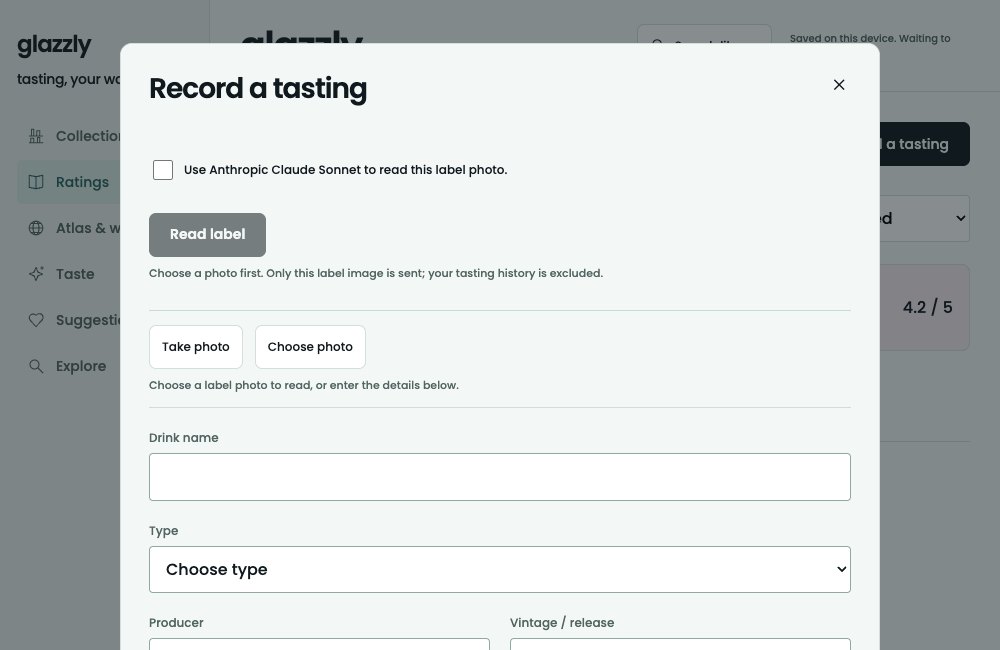
Identify your drink
Start with a name or a label photo. Review the suggested identity before applying it; recording a tasting does not claim ownership.
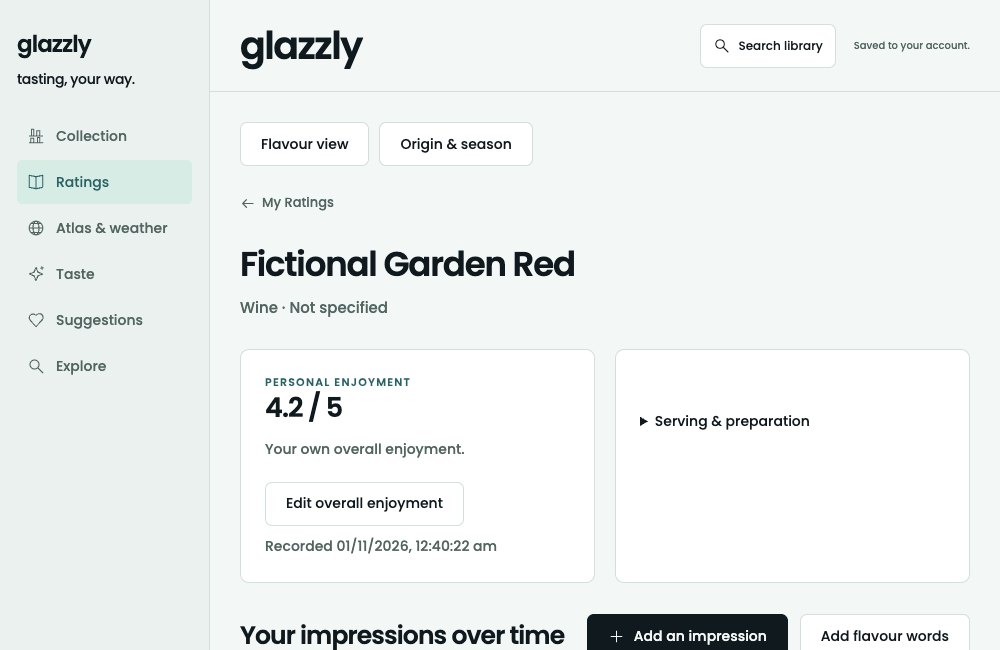
Record your impression
Keep your original score and a few words. Coffee preparation is optional; unknown details can stay blank.
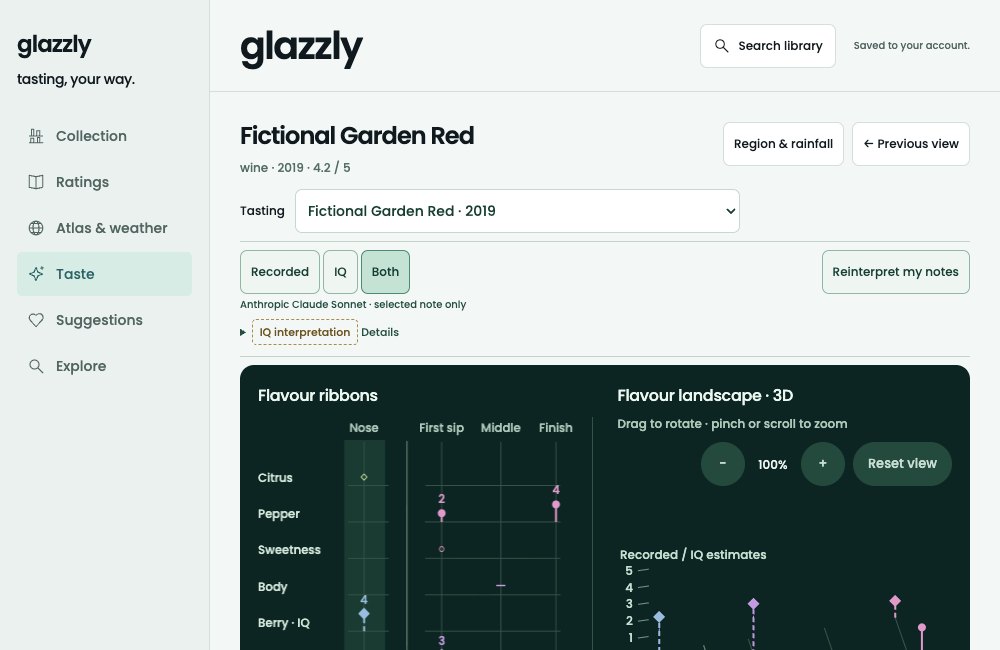
Bring your notes to life
Ask IQ to interpret a selected note. Recorded and IQ layers remain distinct, with the original wording one click away. Short notes can stay qualitative.
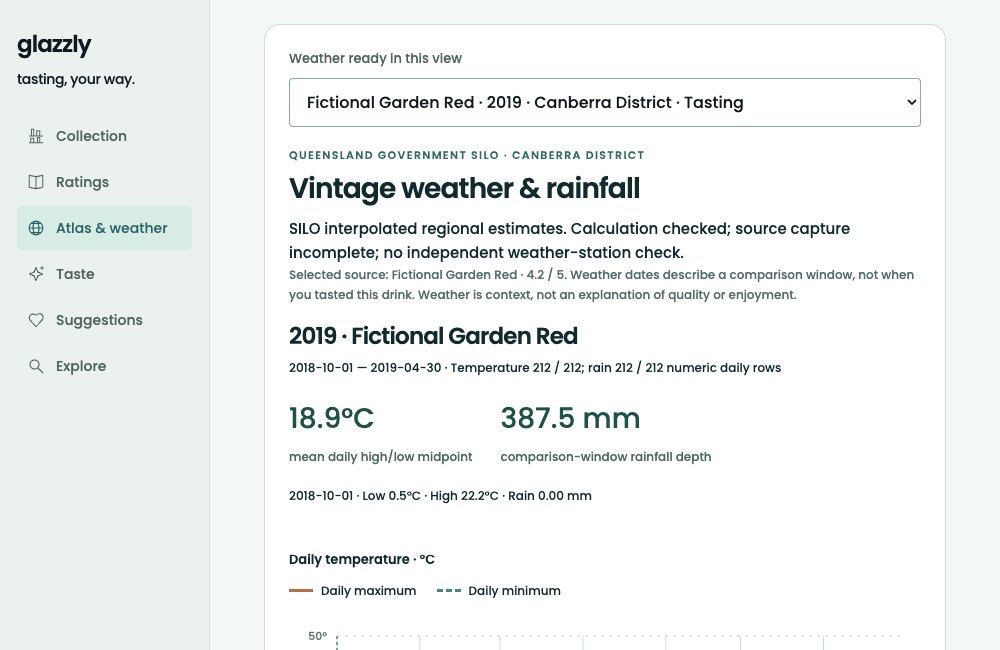
Explore the place and season
For a wine with supported region and vintage, follow its map into daily temperature and rainfall. Weather is context, not a prediction of enjoyment.
A collection to return to.
What you own stays separate from what you want to try.

Accounts, photos & optional AI
A free account saves your ratings, notes, Collection and Wishlist across signed-in devices. Stored label photos currently stay on the device where you add them.
Choosing Read label sends a prepared version of the selected photo to Anthropic Claude. Choosing an IQ interpretation sends the selected note; broader questions can include the related records described in the request notice. AI is optional and does not replace your original record.
Privacy & your data